
Your needs, this model
Does it fit your priorities?
Will your phone be the display for a one-camera room, with Wi-Fi available at the camera location?
The exact one-camera package streams through the phone app and its manual describes router-based internet viewing. It does not list a separate parent receiver.
Explore this need in the finder →Do you need a room-temperature reading on a phone or parent display?
The exact PIP1000 guide says the temperature sensor's value appears on the smartphone; the U.S. product page also lists temperature notifications.
Explore this need in the finder →Must you steer the camera head remotely, or is a fixed view enough?
The exact guide instructs the user to adjust the PIP1000 camera manually at installation; the listing identifies digital zoom but not remote pan/tilt.
Explore this need in the finder →Is a dedicated parent-unit motion alert essential, rather than an app notice?
Motorola lists app motion notices but the exact one-camera package includes no dedicated parent receiver, so it cannot provide an alert on such a receiver.
Explore this need in the finder →A Wi-Fi camera that uses your phone as the screen
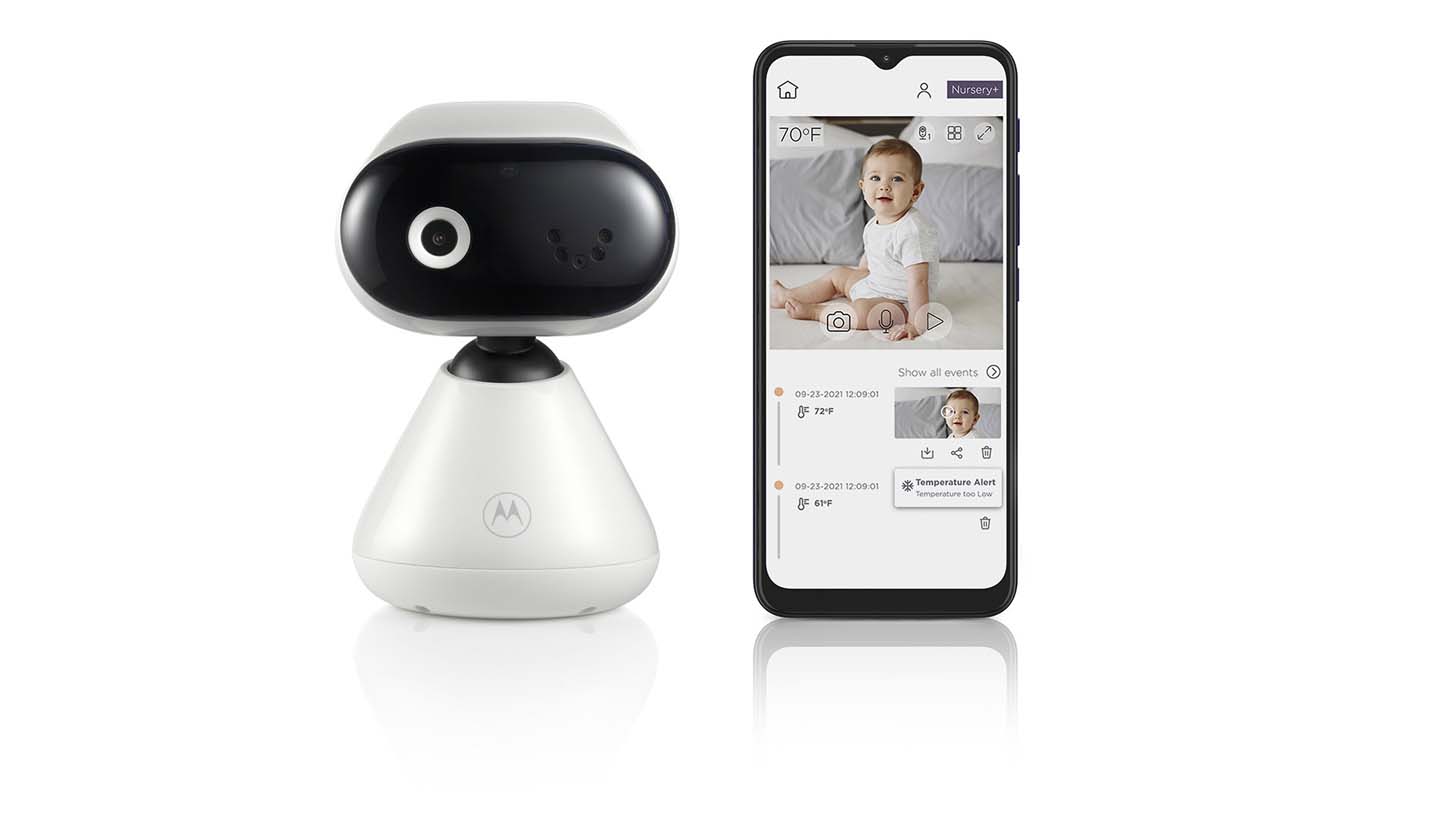
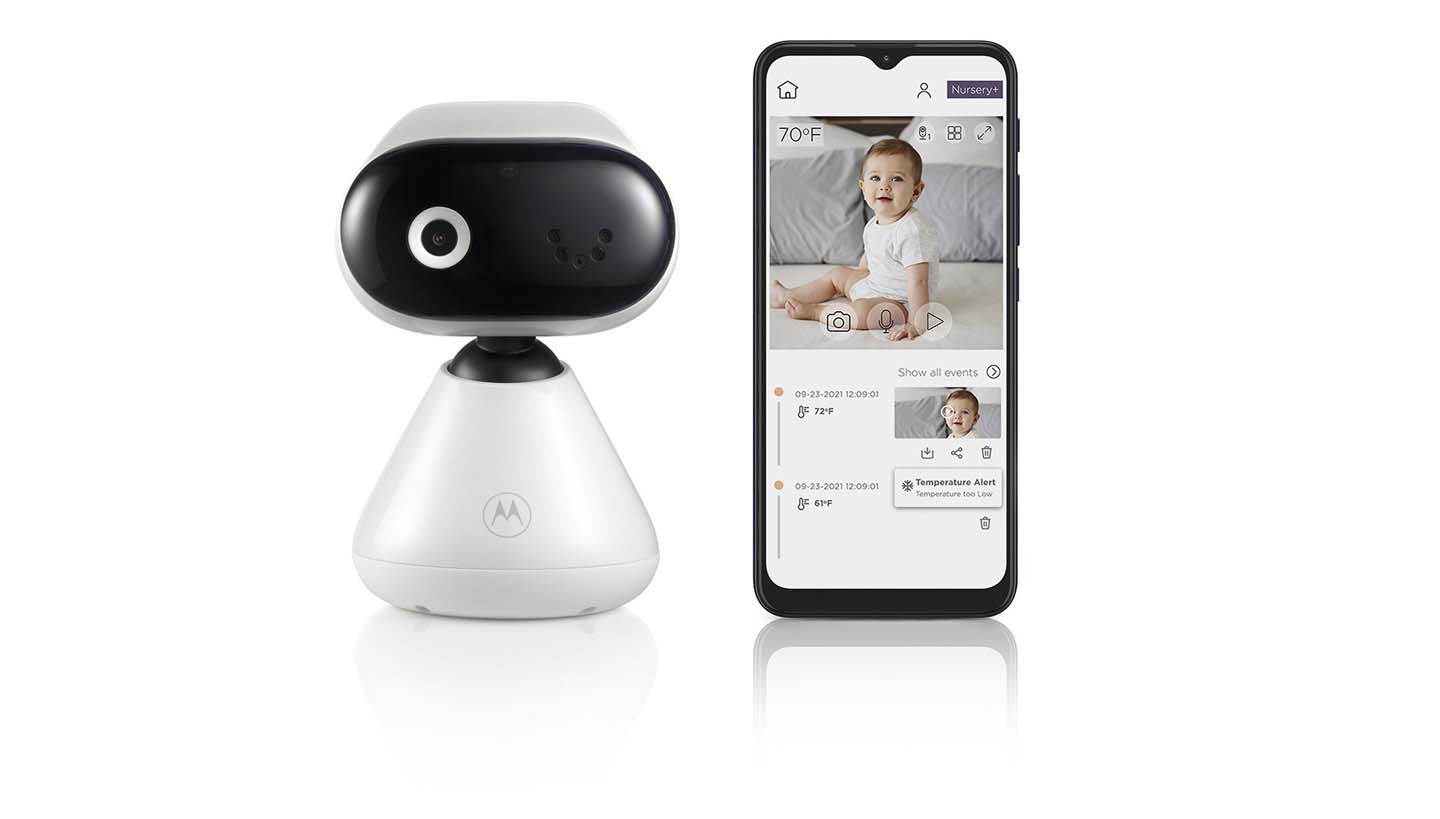
The Motorola PIP1000 CONNECT is a one-camera Wi-Fi setup rather than a camera-and-handheld-receiver kit. The exact U.S. store record identifies the PIP1000 CONNECT package and its single default variant; Motorola’s user guide names the same model. The phone app is the viewing screen. That is convenient if a caregiver already keeps a compatible phone or tablet close by, but it is a poor fit if you want a separate display ready on a nightstand or a local camera-to-receiver picture that works without the router.
Motorola lists Full HD 1080p video through its app, two-way talk, infrared night vision and a temperature sensor whose reading appears on the smartphone. Those are manufacturer-described capabilities, not independent image or temperature measurements. The PIP1000 can send motion, sound and temperature notifications through the app, and the product page lists lullabies and audio books as well. The page does not establish alert thresholds or promise that a notification will arrive despite phone settings, router interruptions or a weak connection. Treat the temperature number as a household convenience, not a medical reading.
Plan the camera position before relying on digital zoom
The PIP1000’s important distinction from motorized CONNECT cameras is its fixed viewing direction. Motorola specifies digital zoom, not remote mechanical pan and tilt. The guide’s mounting steps say to adjust the camera manually if needed. Aim the camera at the desired part of the room during setup; if the crib or play area may move outside that frame, you would need to reposition the unit rather than steer it from the phone. Digital zoom enlarges a crop of the available picture; it is not a substitute for moving the camera or proof of extra image detail.
The package documentation lists a base, wall-mount bracket, screws and a longer-cord power adapter. A wall position can help keep the camera away from the crib, but it adds drilling, cable routing and a careful setup step. Follow the manual’s cord-distance and mounting warnings rather than leaving a camera lead within a child’s reach. If a simple shelf placement already gives the view you need, the base avoids that wall work.
Its network and power needs shape everyday use
The manual says the baby unit must stay plugged into its supplied 5 V, 1 A adapter. This is not a battery-powered travel camera. For app viewing Motorola specifies a compatible smartphone or tablet, Android 7.0 or later or iOS 10 or later in the printed guide, and at least 0.6 Mbps of upload bandwidth per camera. It also lists a 2.4 GHz radio band and says setup is through a phone or tablet, not a PC. These are dated manual requirements; check current app compatibility before depending on an older device.
That upload figure is a manufacturer minimum, not a guarantee of smooth video in every home. Walls, metal and competing 2.4 GHz devices can weaken the camera-to-router link, and the guide gives no measured indoor or open-space range. Test the nursery location with your actual router and phone before treating remote viewing as dependable. Account login and server authentication are part of the manual’s app path, so do not plan on a local screen that bypasses the network.
The product page describes 24-hour event monitoring and streaming, but it does not settle how long recordings are retained or which service terms apply. It lists app capture and sharing features; that is not enough to assume continuous archived footage. If a recording period or a particular alert is essential, verify that feature’s current app terms directly.
How it fits the questions in this guide
Select video, phone remote access, one room at a time and one included camera for the documented PIP1000 plan. It does not satisfy a requirement for a dedicated parent screen. The manual confirms a live room-temperature value on the phone, so that is different from a system that only sends a temperature alert. Motion notices are also app notifications, not a motion alarm on a separate receiver. The package page does not document a camera maximum or simultaneous views from two rooms, so do not turn the general mention of multi-camera packs in the manual into a two-room guarantee.
The official product record marked this exact U.S. listing unavailable when checked, but the product page and exact-model manual remain useful for identifying the model and its operating limits. Availability can change, and this review does not assume stock at any retailer.
Compare it with a movable camera or a local receiver
Compare the PIP1010 CONNECT if remote pan, tilt and zoom matter more than a fixed camera view; Motorola labels that model an earlier version and points shoppers to the PIP1015 CONNECT. If you want a phone app plus a dedicated local screen, see the PIP1610 HD CONNECT, whose paths have different network requirements. For the PIP1000, choose it only when the phone-as-display arrangement, fixed camera framing and mains-powered installation match your routine. None of these consumer monitors replaces responsible adult supervision.
Key details at a glance
| Camera-to-parent-unit connection | One Wi-Fi camera streamed to the Motorola Nursery phone app; no dedicated parent receiver or separate local radio-screen route is listed in the exact U.S. package. |
|---|---|
| Cameras in the reviewed kit | 1 |
| Video rooms visible at once | 1 |
| Phone viewing away from home | Yes |
| Supplied camera lens setup | One fixed-direction camera with manufacturer-listed digital zoom, infrared night vision and manual aiming at installation; no remote mechanical pan/tilt. |
| Recommended stable operation uses home Wi-Fi | Yes |
| Motion alert | No |
| Audio-only system | No |
| Parent talk-back | Yes |
| Room-temperature readout | Yes |
Use the exact model’s instructions for operating limits, supplied equipment and version differences.
Sources for this assessment
- Motorola Nursery U.S. PIP1000 CONNECT product page
- Motorola Nursery published product record for PIP1000 CONNECT
- Motorola Nursery PIP1000 CONNECT model page
- Motorola Nursery PIP1000 CONNECT support and download page
- Motorola PIP1000 CONNECT English user guide
- Motorola PIP1000 CONNECT North American quick-start guide
- Motorola Nursery exact-model PIP1000 CONNECT image
- CPSC exact-name query for Motorola PIP1000 CONNECT
Check the room and the receiving setup.
Read the exact model's constraints, camera count and supervision limits before choosing a package.