
Your needs, this model
Does it fit your priorities?
Will one camera be moved between Wi-Fi-equipped rooms without installing a fixed overhead mount?
N322NW and VN322NW include the portable Flex Stand and a single Nanit Pro camera. The camera still needs power and a configured 2.4GHz Wi-Fi network at each location; remote phone viewing also needs internet.
Explore this need in the finder →Do you want to receive live camera video on a phone rather than an included parent screen?
This package sends one camera feed through the Nanit app and includes no separate parent display or offline receiver.
Explore this need in the finder →Could a patterned wearable and clear camera line of sight be part of your monitoring routine, rather than an under-mattress pad?
Nanit support says Breathing Motion Monitoring can work on the Flex Stand with compatible wear and correct camera placement; it is not a medical device or guarantee.
Explore this need in the finder →The Nanit Smart Baby Monitor + Flex Stand is a one-camera app kit for families who need a view that can move between rooms or travel with them. The current U.S. listing exposes two exact options: N322NW, labeled “Flex Stand,” and VN322NW, labeled “Flex Stand White.” Nanit’s product JSON maps both options to the same product-image ID and gives them the same listed weight; it does not document a functional or package difference beyond the option label. This assessment covers both finish-named variants rather than inventing a second capability set.
A portable stand changes the job of the camera
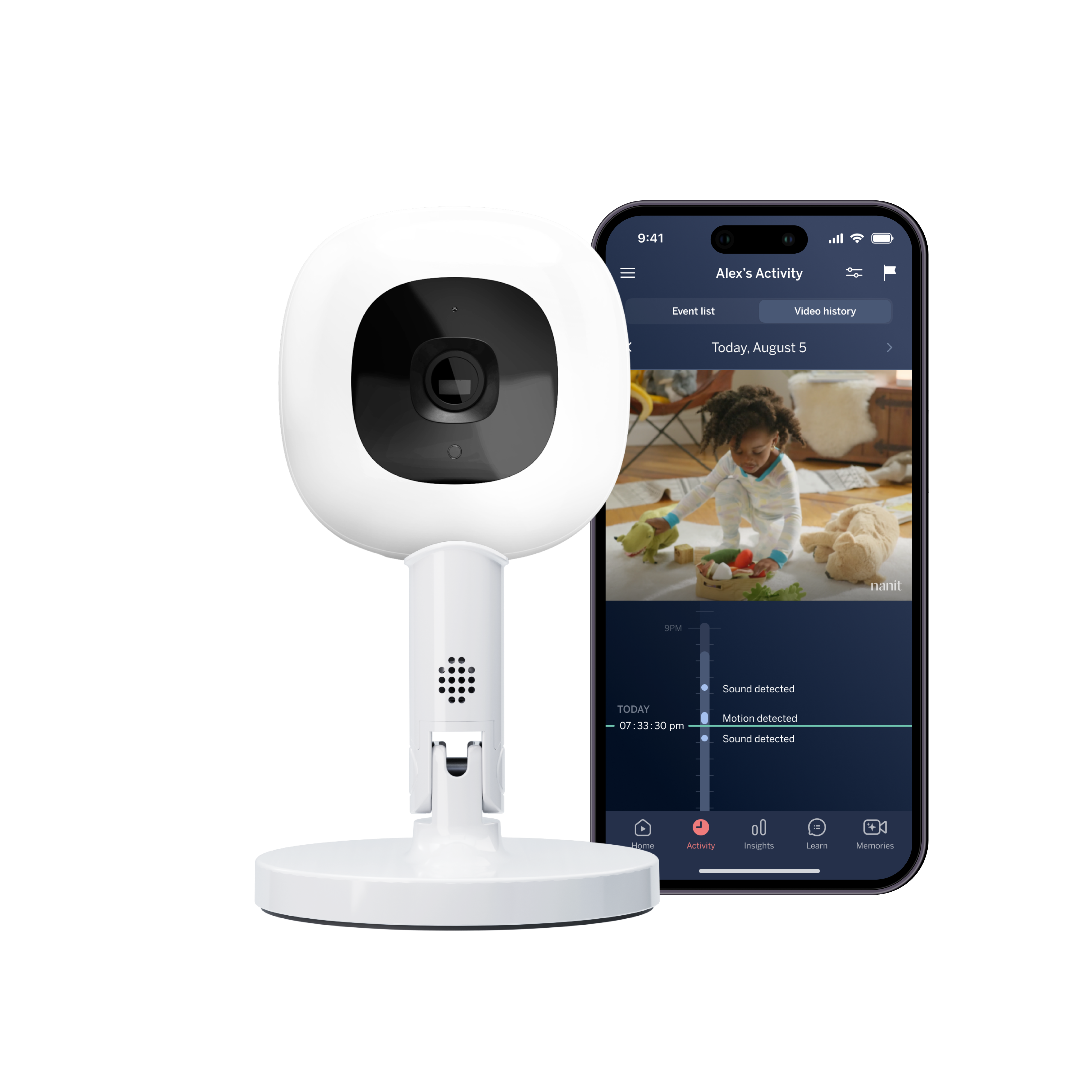
The package includes one Nanit Pro camera, the companion app, an easy-to-pack Flex Stand and a small Breathing Band marked for 0–3 months. Nanit specifies a 1080p HD camera and says that the Flex setup switches to a 130-degree wide-angle view. The stand is a small 3.5-by-3.5-inch support, not an overhead structure spanning a crib. That makes it useful for a second room, a visit, or a temporary play space where a permanent wall position or floor stand is inconvenient. It does not include a separate monitor screen, so the receiving device is a phone or tablet running the Nanit app.
This configuration is not a self-contained travel monitor. The camera still needs its power adapter and a suitable 2.4 GHz Wi-Fi network, along with a Nanit account and app setup. Remote viewing away from the local network depends on internet access at the camera location and on the phone’s connection. Nanit says it can remember up to ten Wi-Fi networks, which can reduce repeated setup when returning to familiar locations, but that does not create Wi-Fi or power where neither is available. The product is portable in the sense that the camera snaps into a compact stand; the listing does not establish that a carrying case or battery is in the box.
The wide view is not the same as overhead sleep tracking
Flex is a different camera position, not a lighter version of the floor or wall installation. With this stand the camera is placed on a stable surface and its angle is adjusted physically. Nanit’s support says the camera uses a wider field of view in Flex mode, while its product FAQ says full sleep tracking requires the Floor Stand or overhead Wall Mount. If continuous overhead crib framing and the full sleep-analytics setup are your main reason for buying, compare the N303NW floor-stand camera kit or the N311NW wall-mount kit instead. Those choices trade travel convenience for a fixed overhead position.
Flex does support Nanit Breathing Motion Monitoring with compatible patterned Breathing Wear and a clear view of the pattern. Nanit’s placement instructions for this use call for the camera to be about three to five feet from the baby and angled at roughly 45 degrees. A setup that cannot maintain that view should not be treated as confirmed for the feature. Breathing Motion is a consumer monitoring aid, not a medical device, diagnosis or guarantee; it cannot replace safe-sleep guidance, adult supervision or direct caregiver checks.
Check the network and paid-feature tradeoffs first
Nanit’s basic camera live stream, nursery audio, two-way talk and ordinary sound and motion notifications are described as available without an Insights membership. Some additional features are plan-dependent. In particular, the current Alert Zone support article says the feature requires a Pro camera on Flex Stand, compatible firmware and an active Insights plan. It sends a movement notification for a defined area; it does not identify hazards or replace supervision. Cry detection and expanded sleep history also follow current membership terms. Do not choose this kit on the assumption that a trial will continue or that every camera feature is included indefinitely.
There is no ordinary dedicated parent-unit path or radio-range figure to compare with a local-screen monitor. A Wi-Fi camera’s usefulness depends on the quality of the room’s network and the chosen placement. Because the Flex Stand can be moved, recheck the frame, sound and cable route each time you change rooms. Nanit’s own Flex guidance says to keep the cord at least three feet from the baby; put the stand and cable where a child cannot reach or pull them, and follow the manufacturer’s placement instructions. The product page and support materials describe features, not independently tested picture quality, notification timing or reliability in your home.
Who should choose N322NW or VN322NW?
Choose one of these exact variants when a single camera that can shift among Wi-Fi-equipped locations matters more than a fixed overhead view or a dedicated parent screen. Check the seller’s exact option name if the white-labeled VN322NW finish is important; the same manufacturer image is mapped to both options and does not verify a visible finish distinction. If your non-negotiable need is an offline receiver, a camera that works through a network outage, a battery-powered camera, two rooms monitored at once, or full overhead sleep analytics on the portable stand, this is not the right configuration. A local-radio model may suit offline viewing; a fixed Nanit Floor Stand or Wall Mount is the better comparison for overnight overhead use. The tradeoff is straightforward: a compact movable support and flexible camera placement, in exchange for power, Wi-Fi, app dependence and a narrower feature set than Nanit’s fixed overhead arrangements.
Check the exact N322NW listing, or check the VN322NW white-labeled option. Confirm the included items and current plan terms before purchase.
Key details at a glance
| Camera-to-parent-unit connection | Nanit app camera over 2.4GHz Wi-Fi; remote phone/tablet viewing depends on internet. No dedicated local receiver or Home screen is included in this exact package. |
|---|---|
| Cameras in the reviewed kit | 1 |
| Video rooms visible at once | 1 |
| Phone viewing away from home | Yes |
| Supplied camera lens setup | Fixed camera angle placed on the compact Flex Stand; Nanit specifies a 130-degree wide-angle Flex view. The included kit has no remote motorized pan/tilt. Manufacturer specification, not independent imaging test. |
| Recommended stable operation uses home Wi-Fi | Yes |
| Motion alert | Yes |
| Audio-only system | No |
| Parent talk-back | Yes |
| Camera-side mood light | Yes |
| Separate under-mattress movement-monitor system included | No |
| Included crib-mount option | No |
| Supplied camera mount | Compact portable Flex Stand; no overhead floor or wall mount is included. The stand is placed on a suitable stable surface and the camera angle is set physically. |
| Portable Flex Stand included | Yes |
| Parent receivers included | 0 |
Use the exact model’s instructions for operating limits, supplied equipment and version differences.
Sources for this assessment
- Nanit Smart Baby Monitor + Flex Stand exact U.S. product page
- Nanit Smart Baby Monitor + Flex Stand product JSON
- Can I use the Flex Stand for Breathing Motion monitoring?
- Can I still use my Nanit Camera without an Insights Plan?
- Nanit Alert Zone
- Nanit Camera Cry Detection (Flex cord-placement guidance)
- Exact shared official image mapped to N322NW and VN322NW

Check the room and the receiving setup.
Read the exact model's constraints, camera count and supervision limits before choosing a package.