- Babysense Touch (two cameras)
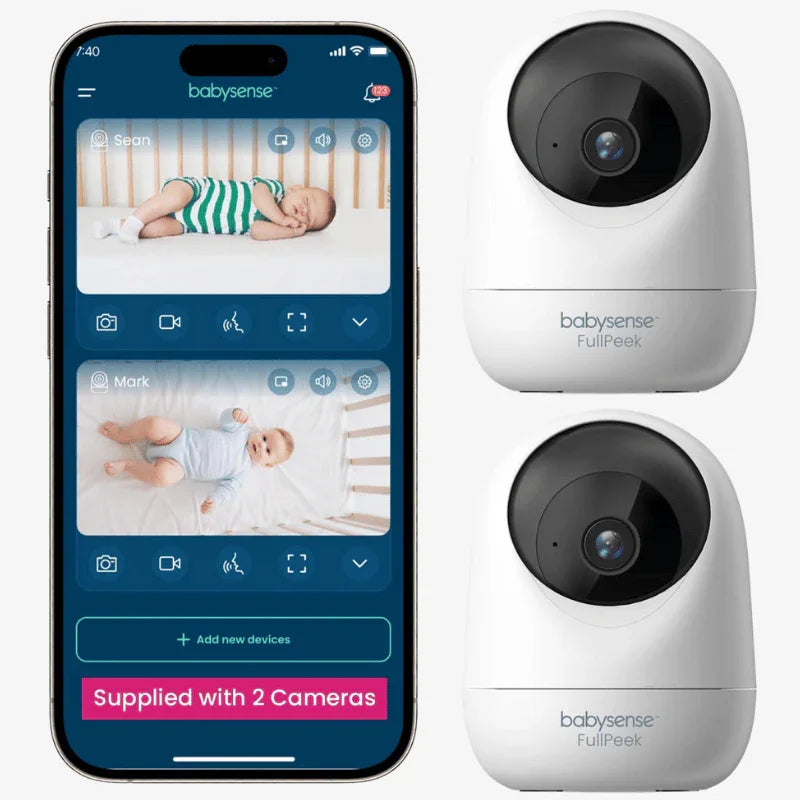
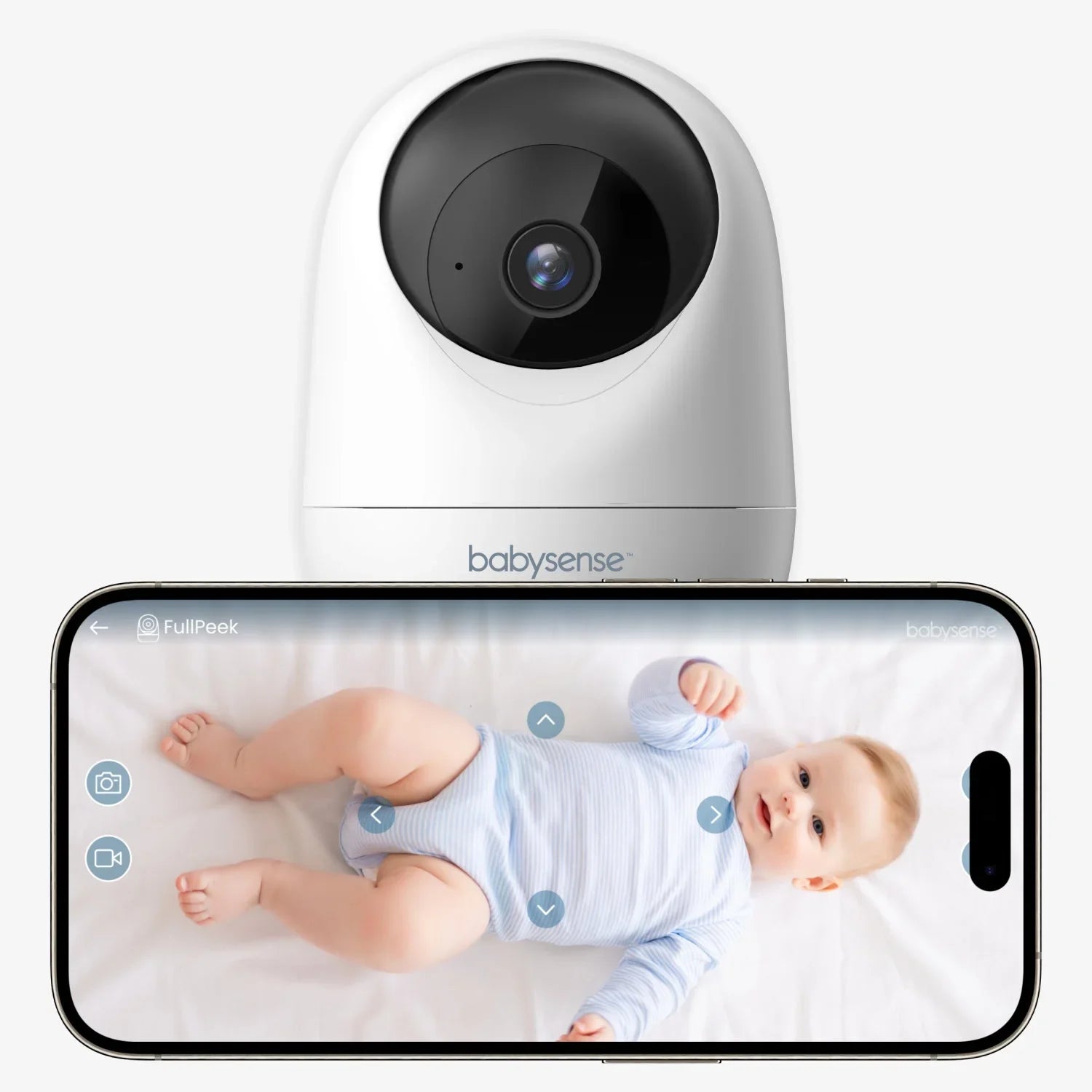
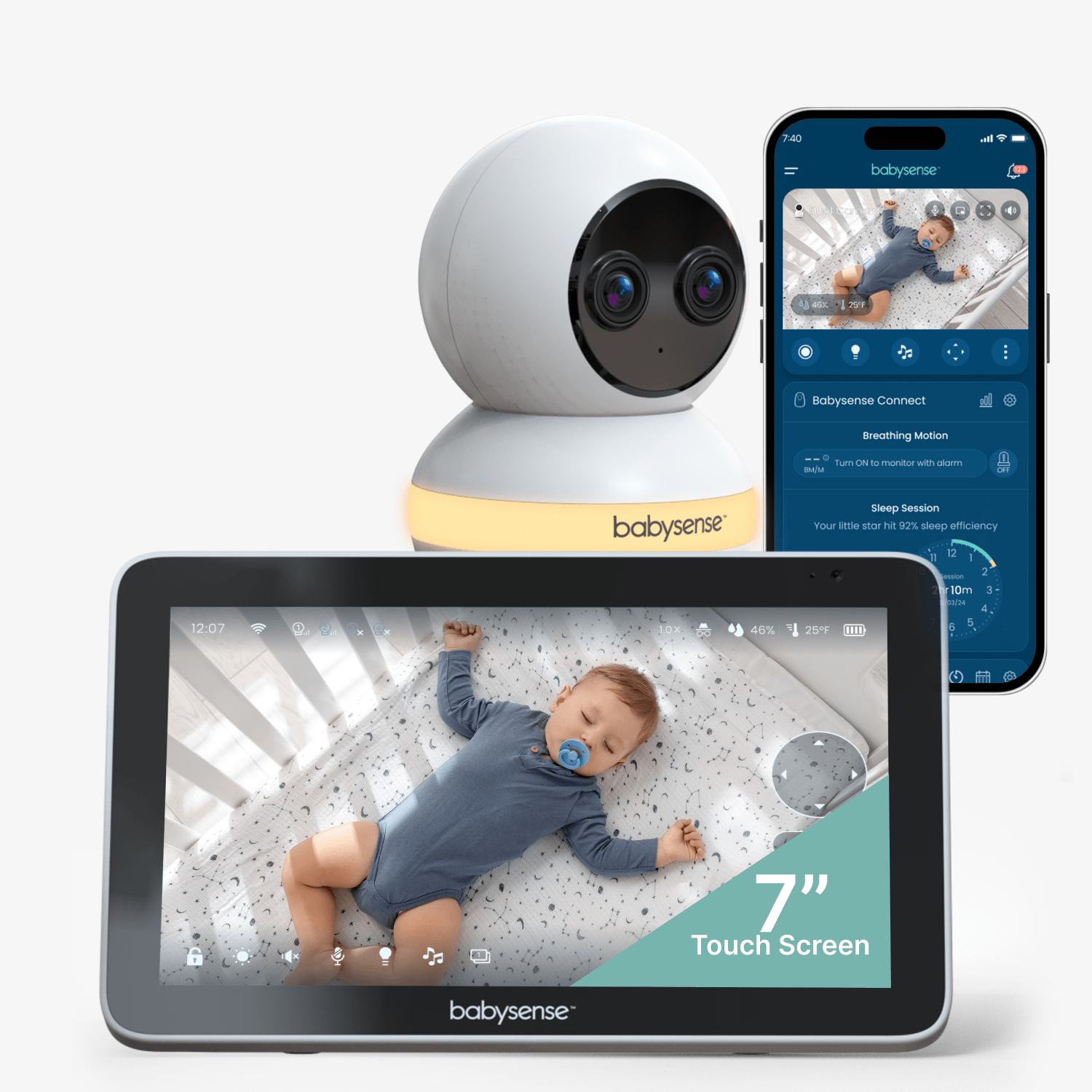
A two-room household that wants two cameras in the box, a large local split-screen parent display, and an optional remote app path when Wi-Fi and internet are available.
- Dream Duo (Gen 3)
A fit for someone who has independently decided that an included wearable sensor is desirable and also wants one app-viewed camera room. The five listed finish variants do not change the operating configuration. It is not a fit for a dedicated local parent screen, for video while the network is down, or for a medical-care substitute.
- Dream Duo System with Floor Stand
A fit when the household independently wants the Dream Sock sensor included and values one camera that can use the included floor stand or wall hardware. It is not a fit for a two-room live feed, a local camera display, or remotely controlled camera movement. Health or clinical monitoring needs should be discussed with a healthcare professional rather than inferred from a product match.
- Dream Sight (Gen 3)
A fit for households that specifically want a one-camera phone/tablet view, an included wall-mount kit, and camera features such as night vision, talk-back and room-condition readings. It is a poor fit when an independent parent display, local feed during an internet outage, included wearable sensor, multiple simultaneous rooms or remotely motorized pan/tilt is essential.
- Dream Sight Camera with Floor Stand
A fit when a family wants to move one app camera between sleep spaces or specifically needs both a floor-standing and wall-mount placement option in the box. It is not a fit for remote motorized camera control, offline viewing, an included wearable sensor, or an independent parent display.
- eufy Baby Monitor C10
A household that wants a rechargeable dedicated parent display, local viewing without Wi-Fi, motorized camera framing and optional app access, and can keep the camera continuously wired near a suitable mounting point.
- eufy Baby Monitor E21
A household wanting one included camera, a separate five-inch parent screen, optional away-from-home app viewing, a built-in camera battery and remote pan/tilt; especially relevant when the included charging stand and cot-mount set match the intended placement.
- Lollipop Smart Baby Camera
A household that wants a flexible, manually aimed camera with app/browser access for one room and already has stable Wi-Fi, internet, a phone or tablet and an outlet near the planned mount.
- Motorola Nursery VM64 CONNECT
For a household that wants a separate receiver at home but values an optional phone app for away check-ins. The local parent-screen route does not need the home router. In the exact U.S. box, one camera and one parent unit are included.
- Motorola Nursery VM64-2 CONNECT 4.3-inch Wi-Fi Video Baby Monitor
A household that wants two included cameras, split-screen pictures on one dedicated local receiver, and optional app viewing, while accepting a single selected-room audio feed and outlet power at both camera positions.
- Motorola Nursery VM65 CONNECT 5-inch Wi-Fi Video Baby Monitor
A household that wants a dedicated local five-inch parent display for one camera, with an optional app setup for remote phone checks when home Wi-Fi, internet and compatible devices are available.
- Motorola Nursery VM65-2 CONNECT Twin Pack 5-inch Video Baby Monitor
A household that needs two camera positions in the reviewed kit, wants both pictures on one five-inch local screen, and can use selected-room audio while keeping optional app viewing as a separate network-dependent plan.
- Motorola PIP1000 CONNECT
A household comfortable using a phone as its only display for one Wi-Fi camera, with a stable planned camera position, digital zoom and app talk-back.
- Motorola PIP1015 CONNECT
A household that is comfortable using a phone and home Wi-Fi as the monitor display, wants a one-camera app feed with remote pan/tilt/zoom, and values phone notifications rather than a separate bedside receiver.
- Motorola PIP1500 CONNECT
A one-room household that wants a dedicated receiver for local viewing and may also use a separate phone-app connection, without confusing the app route with the receiver.
- Motorola PIP1500-2 CONNECT Twin Pack
A two-room household that wants both included camera pictures on the dedicated local screen and accepts that simultaneous room audio is not documented.
- Motorola PIP1515 CONNECT
A one-room household that wants a dedicated five-inch parent display for local checking, with the option of an additional phone-app connection when Wi-Fi and internet are available.
- Motorola PIP1610 HD CONNECT
A household that wants one camera and a five-inch dedicated screen for local use, with an optional app route for phone viewing away from home.
- Motorola PIP1610-2 HD CONNECT Twin Pack
A household that wants two included cameras and simultaneous local pictures on one five-inch parent screen, with optional phone viewing for a selected camera.
- Motorola PIP1710 CONNECT
A household that wants one camera, a dedicated touchscreen receiver, local camera-to-screen viewing and optional phone access away from home.
- Motorola PIP1710-2 CONNECT
A household with two rooms to monitor that wants two included cameras and two local video pictures visible together on a dedicated touchscreen receiver.
- Motorola PIP2000-P CONNECT
A household that wants one phone-first camera with the Motorola Bebé app, Wi-Fi access, a manufacturer-claimed 2K picture and app alerts, and does not require a separate parent display or confirmed battery-only operation.
- Motorola VM44 CONNECT
For a household that wants a simple local receiver at home but values an optional phone route for away viewing. The separate parent screen remains useful without Wi-Fi; the app route requires router, account, compatible phone and Internet.
- Motorola VM85 CONNECT
A household that wants one fixed-room camera, a local parent screen that does not rely on Wi-Fi, and the option of a separate app route for away viewing.
- Motorola VM85-2 CONNECT Twin Pack
A household that needs two cameras in one kit and wants the manufacturer-advertised split-picture view on a dedicated parent screen.
- Motorola VM855 CONNECT
A household that wants a local parent screen, optional phone viewing and a camera that can be repositioned around the home for short periods without staying tethered to an outlet.
- Motorola VM855-2 CONNECT Twin Pack
A household with two camera positions that values the exact two-camera set, split-picture view on the parent screen and an optional app route.
- Nanit Best Sellers Bundle Floor Stand — Camera + 8-inch Display
A fit when the household wants one overhead camera on Nanit’s fixed Floor Stand, an included 8-inch Home display and phone access, and can support Wi-Fi/account setup. It also includes a portable Flex option and case, but moving the single camera is not a second feed. Home is an app extension, not a Wi-Fi-independent receiver; the camera needs adapter power, floor space and careful cable placement. Screen runtime varies and is not guaranteed; membership-dependent features and wearable sizing remain separate checks.
- Nanit Best Sellers Bundle Floor Stand — Camera only
A fit if one fixed overhead nursery camera on a Floor Stand is preferred, with the same camera movable to its included Flex Stand and Travel Case for another powered, Wi-Fi-connected location. This Camera only selection has no Home Display or local parent receiver. The camera stays adapter-powered and uses Wi-Fi; away-from-home phone access needs internet. Check base clearance and cable routing around the crib; the portable mount does not create a second camera or preserve the overhead sleep-tracking position.
- Nanit Best Sellers Bundle Wall Mount + Home Display
A good fit if you want one wall-mounted nursery camera, an 8-inch screen at home, app viewing and the bundle’s portable stand/case extras.
- Nanit Best Sellers Bundle Wall Mount — Camera only
A strong fit when one app-driven nursery camera will normally use the wall mount but the household also wants a portable second stand and travel case for another powered, Wi-Fi-equipped location.
- Nanit Essential Smart Baby Video Monitor
A phone-first household that needs one portable camera for a Wi-Fi-equipped room, play area or visit and does not require an included screen or the overhead sleep-tracking setup.
- Nanit Signature Bundle
A fit for a one-camera household wanting an overhead Floor Stand view, a second portable Flex position, and a separate Sound + Light Machine in the same package. It remains phone/app-based and needs secure Wi-Fi, internet for remote access and camera adapter power; V322NL has no parent display. The page lists a small Breathing Band for 0–3 months but does not list a Travel Case.
- Nanit Smart Baby Monitor + Flex Stand
A household that needs one movable app camera for a second room or trip, and has Wi-Fi, internet for remote viewing, camera power and a safe placement at each location. This exact option is more portable than an overhead stand but does not provide full sleep tracking in Flex position.
- Nanit Smart Baby Monitor Multi-Pack Triple — Floor Stand
A household with 3 distinct sleep spaces that needs the exact floor stand version and is comfortable using the Nanit app over Wi-Fi/internet. The selected N303TRIP pack includes 3 cameras; the other mount/count variants are separate configurations.
- Nanit Smart Baby Monitor Multi-Pack Triple — Wall Mount
A household with 3 distinct sleep spaces that needs the exact wall mount version and is comfortable using the Nanit app over Wi-Fi/internet. The selected N311TRIPW pack includes 3 cameras; the other mount/count variants are separate configurations.
- Nanit Smart Baby Monitor Multi-Pack Twin — Floor Stand
A household with 2 distinct sleep spaces that needs the exact floor stand version and is comfortable using the Nanit app over Wi-Fi/internet. The selected N303TWIN pack includes 2 cameras; the other mount/count variants are separate configurations.
- Nanit Smart Baby Monitor Multi-Pack Twin — Wall Mount
A household with 2 distinct sleep spaces that needs the exact wall mount version and is comfortable using the Nanit app over Wi-Fi/internet. The selected N311TWINW pack includes 2 cameras; the other mount/count variants are separate configurations.
- Nanit Smart Baby Monitor System Floor Stand
A household that wants an overhead, height-adjustable floor-stand position for one crib and is comfortable checking video, sound and alerts in the Nanit app over home Wi-Fi/internet. The selected N303NW package includes the Floor Stand but not the optional Home Display.
- Nanit Smart Baby Monitor System Floor Stand + Home Display
A household that wants an 8-inch touchscreen, one camera, and the floor stand arrangement, and accepts Wi-Fi/account setup rather than an offline local-radio monitor.
- Nanit Smart Baby Monitor System Wall Mount
A household with a stable crib location that can install an overhead wall mount and covered cable route, wants one app-viewed camera, and does not need an independent parent receiver. The selected N311NW package does not include the optional Home Display.
- Nanit Smart Baby Monitor System Wall Mount + Home Display
A household that wants an 8-inch touchscreen, one camera, and the wall mount arrangement, and accepts Wi-Fi/account setup rather than an offline local-radio monitor.
- Nanit The Premium Bundle with Floor Stand
A fit if the nursery can use a floor stand and the household wants a single app camera plus the bundle's Flex Stand, Sound + Light Machine and protective Travel Case. The kit still relies on camera power and Nanit Wi-Fi/app access; a Flex Stand is an alternate placement of the same camera, not an additional room feed.
- Nanit The Premium Bundle with Wall Mount
A fit if the nursery can use a wall mount and the household wants a single app camera plus the bundle's Flex Stand, Sound + Light Machine and protective Travel Case. The kit still relies on camera power and Nanit Wi-Fi/app access; a Flex Stand is an alternate placement of the same camera, not an additional room feed.
- Nanit The Travel Bundle with Flex Stand and Case
A fit for a phone-first household that wants one Nanit camera with a portable Flex Stand, Travel Case and the page-listed small sensor-free Breathing Band. The exact option family has nine finish SKUs; it still needs camera power and Wi-Fi, with internet for remote phone viewing, and has no separate parent display, fixed Wall Mount/Floor Stand or Sound + Light Machine in its included list.
- Philips Avent Premium Connected Baby Monitor SCD971/26
A household that wants one included camera, a dedicated screen and a crib/wall mount choice; the exact SCD971/26 page also lists a pouch.
- Philips Avent Premium Connected Baby Monitor SCD971/37
A household that prefers a fixed wall installation and wants both a local parent screen and an optional phone app.
- Philips Avent Premium Connected Baby Monitor SCD973/37
A household that wants the SCD973/37 two-in-one mounting option, local parent viewing and a connected app with the documented sound options.
- VTech RM5764-2HD
A household that needs two camera positions and side-by-side video on one dedicated Parent Unit, with an optional app path and local operation independent of Wi-Fi.
- VTech RM5764HD
A household that wants one remotely adjustable nursery camera with a real local Parent Unit, plus optional remote app access when a 2.4 GHz router and internet are available.
- VTech Smart HD Plus
A household that wants one camera, a dedicated 5.5-inch Parent Unit, and the choice between direct local viewing and a separately configured Wi-Fi/app route.
- VTech Smart HD Plus Twin
A two-room household that wants the exact two-camera package, a dedicated local Parent Unit with a simultaneous two-picture Split mode, and a separate optional Wi-Fi/app path.
- VTech VM901-2HD
A two-room household that wants both camera pictures visible together on one parent viewer and can use 2.4 GHz home Wi-Fi for stable video, with phone access as an additional option.
- VTech VM901HD
A one-room household that wants a five-inch parent viewer and remote phone access and can configure the required 2.4 GHz home router for continued stable streaming.