
Your needs, this model
Does it fit your priorities?
Can the exact two-camera VM923-2 fit if alternating views are acceptable and remote camera movement matters?
Yes. Its current U.S. listing and guide identify two sets, remote pan/tilt and a 2.8-inch parent screen; Patrol changes the view between cameras about every ten seconds.
Explore this need in the finder →Does the two-camera VM923-2 show both rooms on screen at once?
No. The family guide describes Single-camera and Patrol modes; Patrol cycles one picture at a time and does not document split-screen.
Explore this need in the finder →Can the twin package meet a strict requirement to hear both rooms simultaneously?
No. The exact guide documents alternating camera pictures but no simultaneous dual-audio mode, so a two-room audio requirement remains unsatisfied.
Explore this need in the finder →Does the up-to-19-hour marketing claim establish eight hours of screen-on runtime?
No. The exact guide does not give a continuous-screen runtime duration or test conditions.
Explore this need in the finder →Two cameras, one compact parent screen
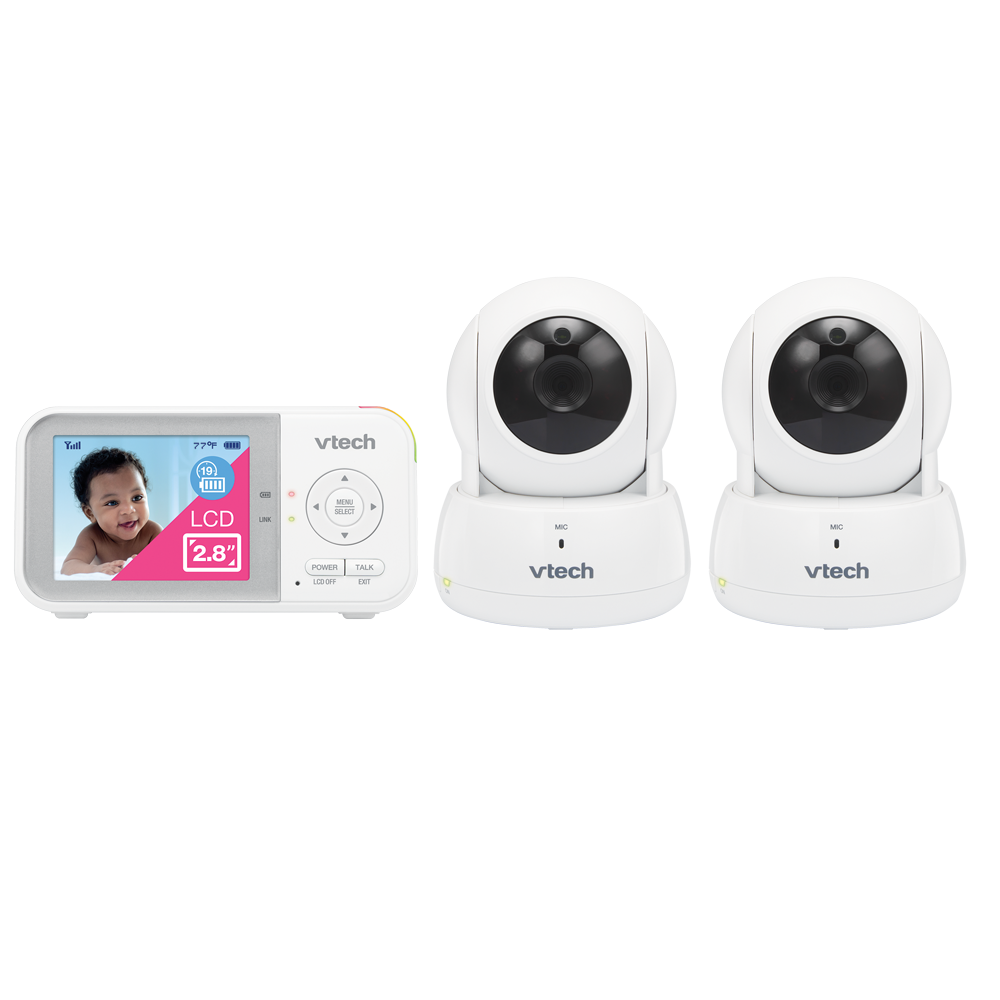
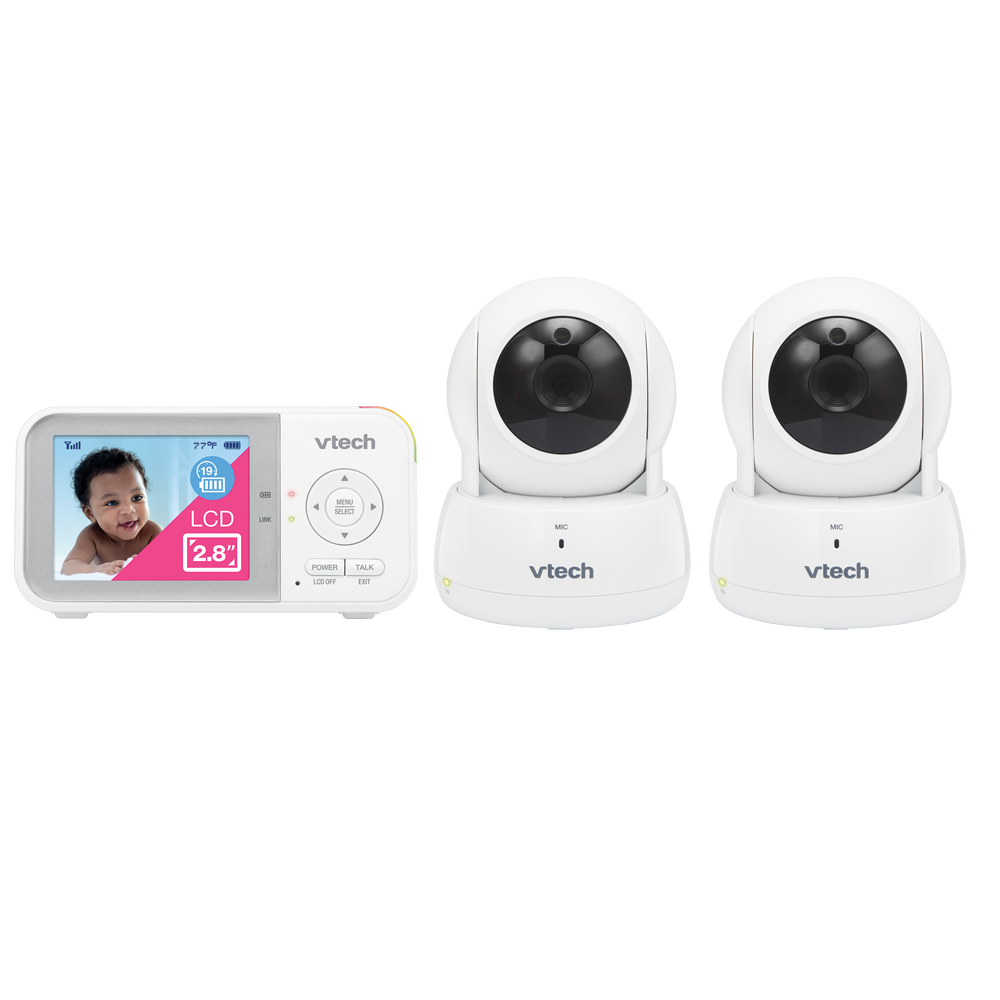
The VTech VM923-2 is a two-camera package for a family that wants to keep a dedicated viewer in hand and alternate between two rooms. Both cameras sit in a single system with the same 2.8-inch color parent display used by the one-camera VM923. The distinguishing benefit is the extra room coverage, not a bigger screen or simultaneous split view. The separate VM923 review covers the one-camera box; this review addresses the exact twin listing and the limits of its two-room modes.
How the two-camera modes actually behave
VTech’s exact U.S. family quick-start guide identifies two sets for VM923-2 and labels its multi-camera controls separately from the base VM923. In Single-camera mode, select one camera. In Patrol mode, the display cycles from one paired camera picture to another at roughly ten-second intervals. That is useful when the parent unit is carried between rooms and a periodic visual check of each space is enough. It is not the same as seeing two children at the same instant: the parent display remains a single small screen, and the guide does not document split-screen mode.
The manual also does not establish that two rooms can be heard at once. A two-camera count only tells you what is in the package. If simultaneous picture or simultaneous audio is essential, do not treat Patrol as satisfying it; select a monitor whose exact guide documents the multiroom behavior you need. The VM923-2’s known strength is two installed camera positions with alternating viewing.
Remote camera control, but still a small picture
The exact listing describes a 2.8-inch display and remote pan, tilt and up-to-2× digital zoom. The family guide specifies QVGA at 320 × 240 pixels, while the current comparison table labels the screen “270p.” Keep that discrepancy in mind: neither source makes this a large, high-detail viewer. The camera’s movement lets you redirect a view without walking over to the camera, but zoom enlarges the picture rather than adding optical detail. If you watch two rooms by Patrol, the user still sees one feed at a time.
Published movement angles are also inconsistent across VTech pages. The current listing gives different pan/tilt figures from an older official listing; the guide confirms remote pan and tilt but has no angle limits. It is safer to choose the product for the presence of remote movement, not for a specific number of degrees. This is not automatic motion tracking.
Local viewing, sound-triggered screen and alerts
The VM923-2 uses a dedicated local parent unit. Its guide lists a direct 2.4 GHz link, 32 channels and 2405–2475 MHz transmission; it does not document Wi-Fi or an away-from-home phone feed. The guide describes up to 1,000 feet outdoors and up to 150 feet indoors as nominal range information, then cautions that real conditions can reduce it. Walls, distance and nearby electronics matter, so test both camera positions before depending on the second-room setup.
Sound sensitivity can be adjusted for the selected camera. In sound-activated mode, the viewer’s screen and speaker wake when nursery sound crosses the chosen threshold and the screen goes dark after 50 quiet seconds. The parent unit can also display room temperature and alert when a set boundary is crossed. These prompts are not medical readings or substitutes for adult supervision. The page also advertises a camera-side night light, lullabies and ambient sounds; those are comfort conveniences, not safety sensors.
Battery and range are not strict guarantees
The exact guide lists a built-in 3.6-volt, 2,600-mAh lithium-ion battery in the parent unit and advises that standby varies with sensitivity, actual use and battery age. VTech’s current page advertises up to 19 hours of video and 31 hours of audio-only streaming, but it does not state the conditions behind a continuous-screen test in the guide. A household that must have a proven minimum of several hours with the picture always on should not use this headline as a pass. Sound activation and screen-off controls may lower display use, but they do not establish a measured runtime.
Who should choose VM923-2?
Choose the VM923-2 when two camera locations are useful, a parent can check them one at a time, the 2.8-inch screen is acceptable, and local radio is preferable to a phone-and-router arrangement. It is a stronger fit than the single-camera VM923 when a second camera must be in the box, but both still have the same small display and unresolved exact screen-on duration. Compare VTech’s VM5263 family if a larger local screen is more useful, and compare the Infant Optics DXR-8 PRO SS if both rooms must stay visible and audible together on a dedicated receiver. Those are different requirements—not a reason to label Patrol as split viewing.
Use the supplied adapters, keep cords at least three feet from a child, and place cameras outside the crib or playpen. VTech’s guide says not to mount a camera above two metres and recommends testing reception whenever a unit is moved. The monitor can support a routine, but it does not replace direct adult supervision.
VTech VM923-2 product page · VTech VM923 / VM923-2 quick-start guide
Key details at a glance
| Parent-unit screen | 2.8 in |
|---|---|
| Published display resolution | Family guide: color QVGA 320 × 240; current comparison table: 270p. The exact pixel label is discrepant; diagonal is 2.8 inches. |
| Camera-to-parent-unit connection | Direct local 2.4 GHz camera-to-parent-unit link. The exact family guide lists 32 channels and 2405–2475 MHz; no Wi-Fi or phone-away path is documented. |
| Manufacturer-stated open-space range | 1000 ft |
| Advertised maximum range claim | 1000 ft |
| Cameras in the reviewed kit | 2 |
| Video rooms visible at once | 1 |
| Phone viewing away from home | No |
| User-replaceable parent-unit battery | No |
| Supplied camera lens setup | Remote motorized pan and tilt with up-to-2× digital zoom; exact travel degrees are not used because current and legacy official page figures conflict. |
| Recommended stable operation uses home Wi-Fi | No |
| Audio-only system | No |
| Parent talk-back | Yes |
| Room-temperature readout | Yes |
Use the exact model’s instructions for operating limits, supplied equipment and version differences.
Sources for this assessment
- VTech U.S. current VM923-2 product page (page 4540)
- VTech VM923 / VM923-2 U.S. Pan and Tilt Video Baby Monitor Quick Start Guide (downloaded filename QSG_V2_20210712; interior footer says VM923-X_QSG_V1, 07/21)
- VTech official exact VM923-2 package rendering, linked from its current official product page
- CPSC exact-string recall query for VM923-2; empty JSON response on check date
Check the room and the receiving setup.
Read the exact model's constraints, camera count and supervision limits before choosing a package.